Monome Grid integration
Eterna can be operated using monome grid.
The following functionality is supported:
- Browsing pages
- Modifying the sequence
- Looping the sequence between steps
- Transport control (start/stop)
Controls
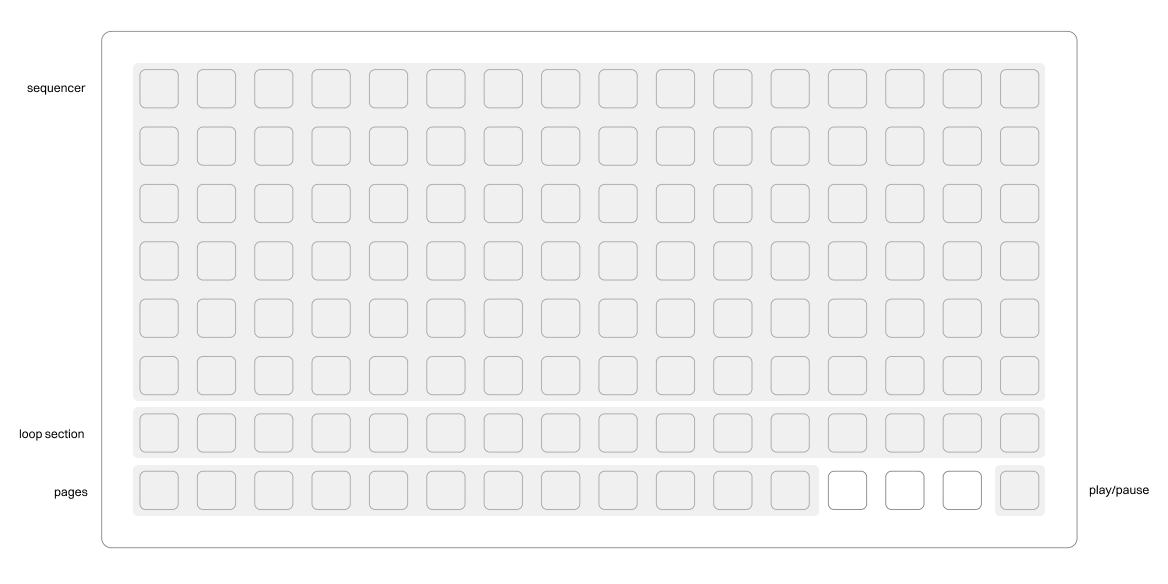
Modifying existing sequences
Without grid, sequences are controlled using E2 (seed) and E3 (density) on the sequencer page. Once you plugin grid, the current sequence is displayed on grid.
If you use grid to modify an existing sequence, the perlin noise sequence parameters are disabled, indicated by a * on the sequencer page's footer.
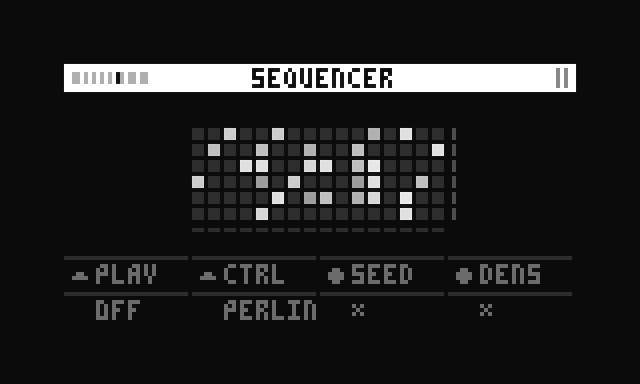
If you twist E2 or E3 again, their values are re-applied and the grid-drawn sequence is taken over by the perlin noise sequence.
Velocity
Velocity is not controllable via grid, but via the sequencer page instead.
Looping
Row 7 can be used to loop a section of the sequence.
- Hold the start step, then press the stop step to start a loop between those steps.
- If you'd like to loop a single step, double tap that step.
Transport
The last button on the bottom row can be used to start or stop transport. When transport is not running, it blinks in the current BPM.
Compatibility
Eterna has been tested with the latest version of monome grid, 16x8 with varibrightness. If you experience issues with this or any other version of grid, please post a reply to the lines topic.